
Skip to content

Use case

One link for App Store and Google Play

Stop pasting two different links everywhere. One short URL and one QR code route each visitor to the right store by device. No SDK, no app changes. This page is the product overview; for step-by-step setup, use the how-to guide.

One link for App Store and Google Play

Why one link

One link replaces two store URLs

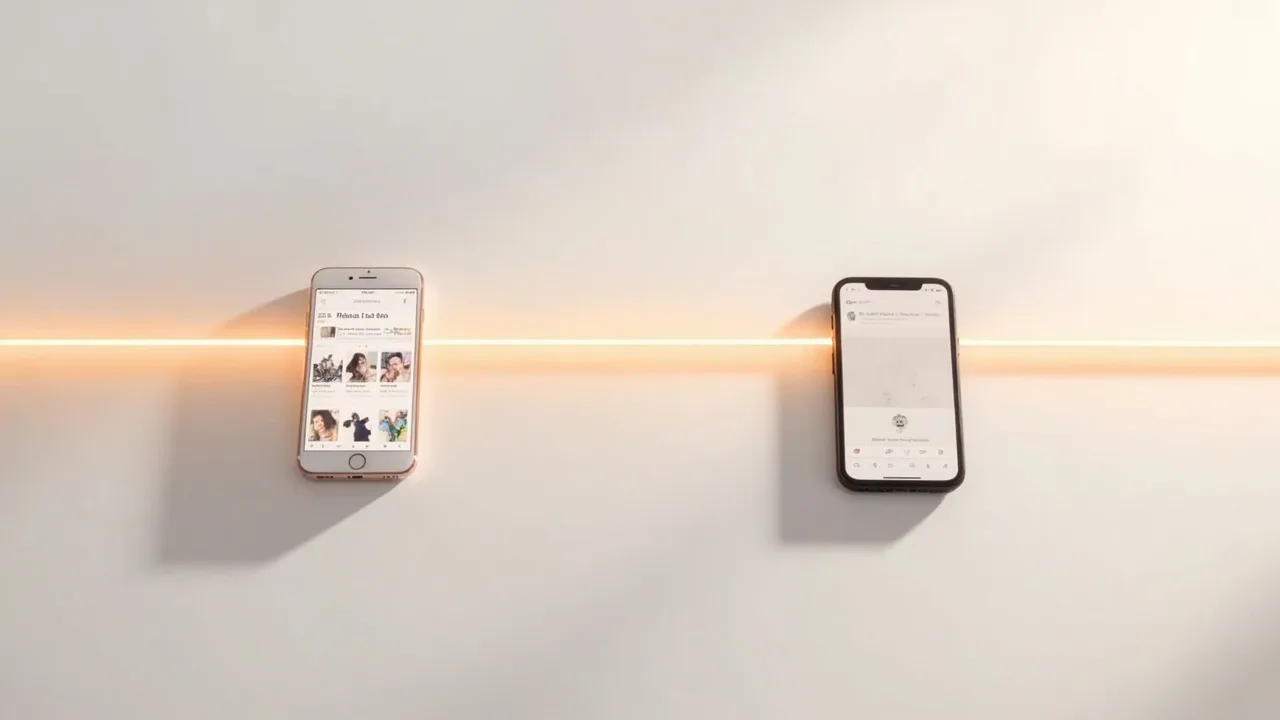
Put one short link in your ads, email, or print materials. iPhone users open the App Store, Android users open Google Play, and desktop visitors land on your website.

There is no code to add to your app. People only go to a store or your website. That is store routing, not deferred deep linking or install attribution.

How device routing works

User agent decides the destination

When someone opens your short URL, the redirect service reads the device user agent and chooses App Store, Google Play, or your desktop fallback.

You paste both store URLs once, pick a short path, and reuse that URL everywhere. The same link powers a QR download for print.

When this is enough

Pick store routing when you do not need an MMP

Use AnyLinks when the job is “get this person to the correct store.” Skip it when you need SKAN, install ROAS, or opening a screen inside an already-installed app.

Clicks are counted by device and, on Pro, by country and campaign tag. You never hit an ad page on the way to the store.

Questions

Is this the same as a deep link into my app?

No. One link for App Store and Google Play means store routing. Visitors open the correct store listing. They are not opened to a specific in-app screen.

Can I use the same link for a QR code?

Yes. Download a QR that encodes the same short URL so print and digital share one destination map.

Where is the step-by-step setup?

See the guide “How to make one link for App Store and Google Play” for the create-and-share steps.

One store link. Never an ad.

Create a store link