
Skip to content

Use case

Store-routing QR codes — no SDK, no reprint cycle

Use a device-aware QR when you need one printed code for both stores. The QR encodes a short link you control, so routing stays updatable. This page covers the product fit; the guide covers how to create an app download QR code step by step.

Store-routing QR codes — no SDK, no reprint cycle

Product fit

One printed code, two store destinations

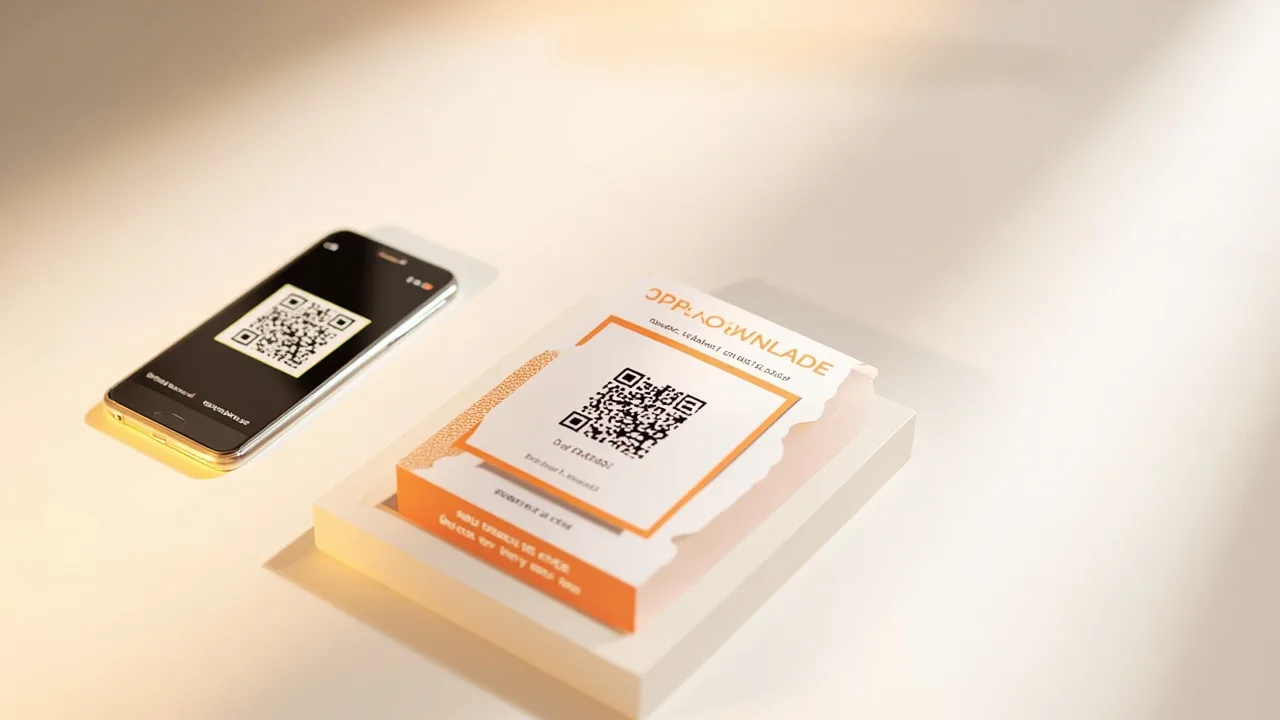
A store-routing QR is for packaging, posters, event signage, and retail displays where you cannot put two different codes. iPhone scans open the App Store; Android scans open Google Play; desktop camera apps open your fallback page.

Because the payload is a managed short link, you change store URLs in the dashboard without reprinting the artwork.

No SDK in the loop

Routing happens on the redirect, not in your app

You do not ship an SDK release to use the QR. Scanners open a URL; the redirect picks the store. That is why it works for teams that only need store discovery, not deferred deep linking.

On Pro you can tint the QR to match brand colors and keep 90-day scan and click breakdowns by device, country, and campaign tag.

Honest limits

What this QR does not do

It does not open a screen inside an already-installed app, and it does not attribute paid installs the way an MMP does.

We never insert an ad page between the scan and the store. If a Free or Lite link hits its monthly click cap, the link pauses instead.

Questions

Is this a how-to for making a QR?

No. This use-case page explains when a device-aware store QR fits. For numbered steps, use “How to create an app download QR code.”

Do I need an SDK for the QR to work?

No. The QR points at a short URL. Routing is decided on the redirect.

One store link. Never an ad.

Create a store link